
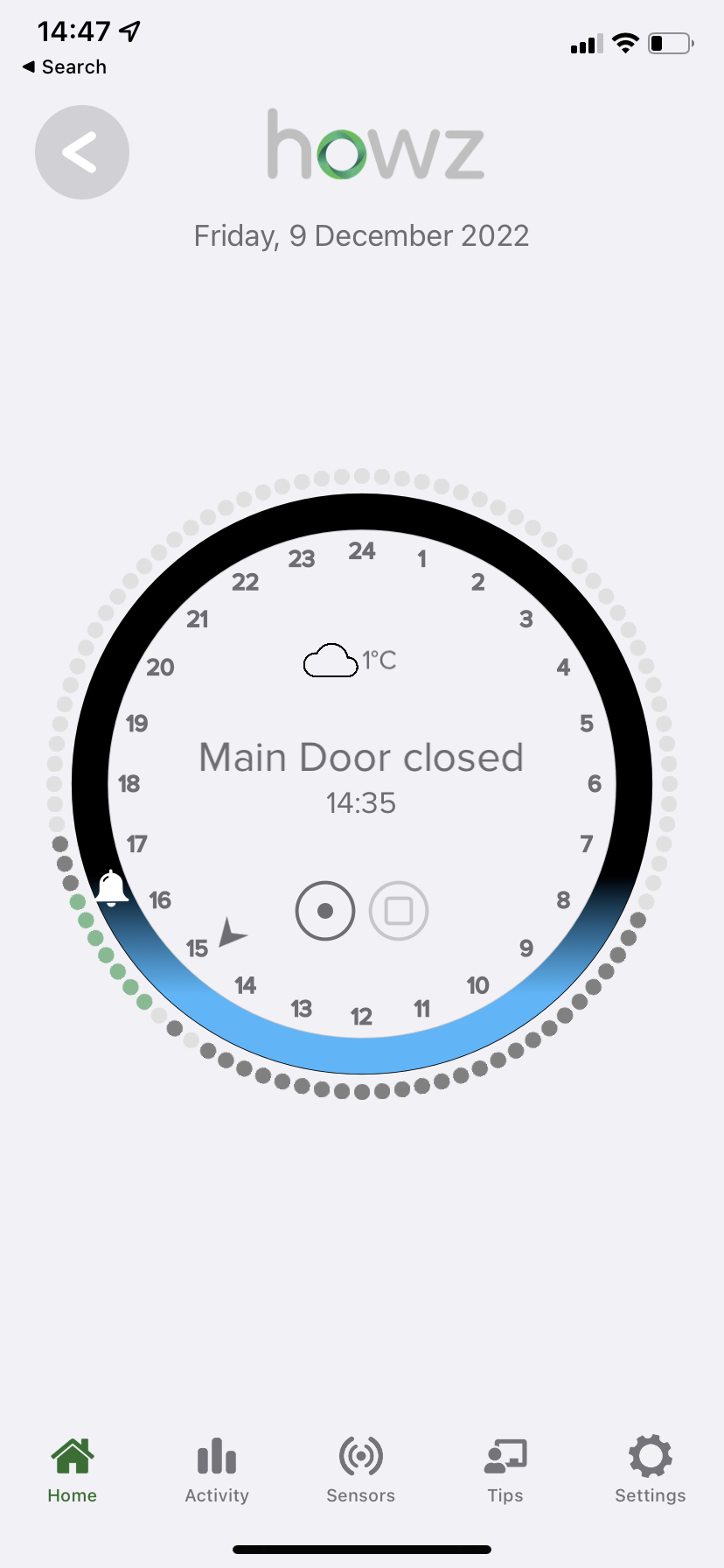
The dial on the app home page is a 24 hour period divided into 15 minute periods.
The arrow shows the current time period which is 14:45-15:00. The bell is the time (16:30) at which a low activity alert will be sent if there is no further activity
The default view shows periods with activity are black and periods without are grey (in light mode) going back to 16:45 yesterday. Normally green dots are shown between the arrow and the bell. If there has been no activity since the last low activity alert was issued the dots will be amber.
If you tap the circle with the square you will get an alternative view in which grey bars represent the level of activity in each time period and a green line shows a comparison to activity over the last 7 days.
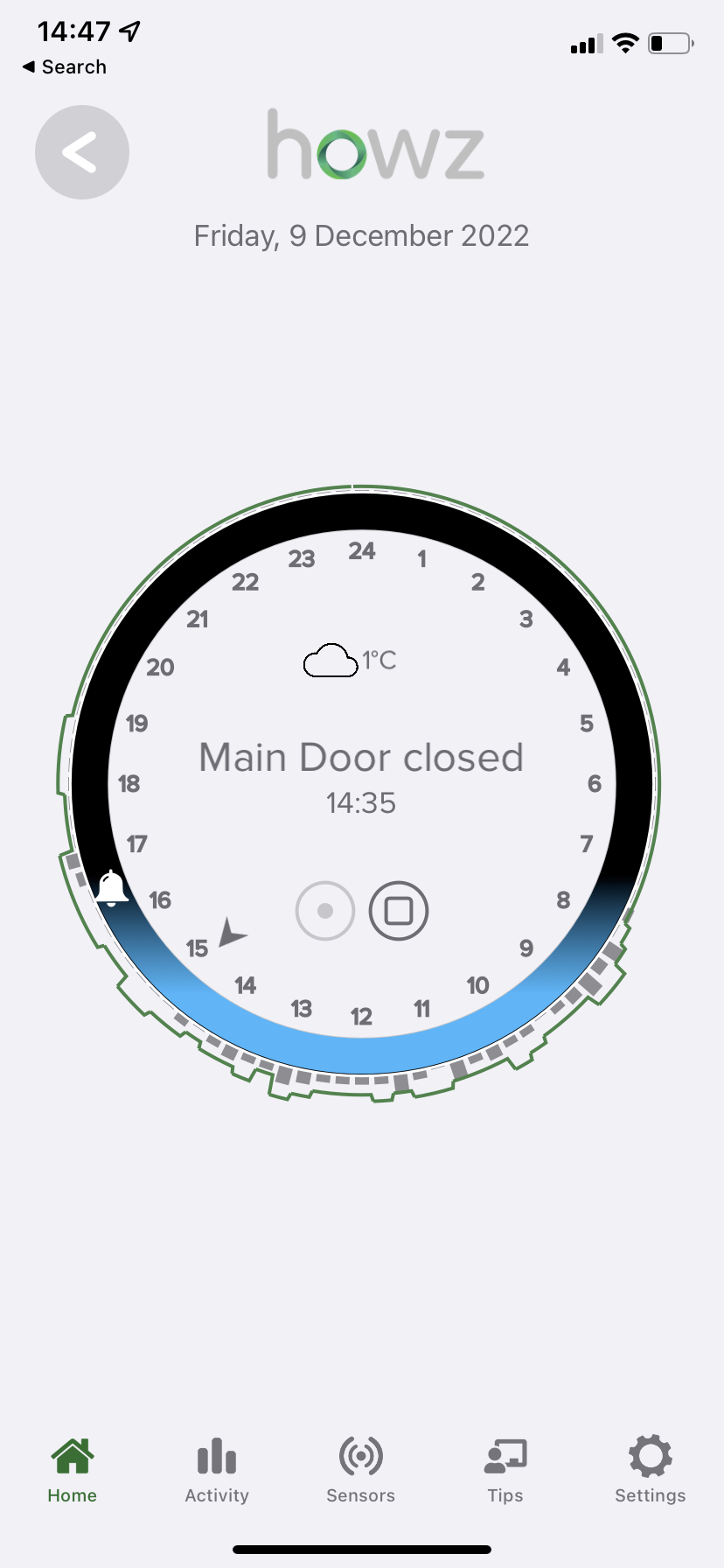
Tap the circle with the dot to return to the default view.